Why we built a launcher for car head units
Aftermarket head units have fast screens and slow software. Feather Light is our answer: a home screen that is quick, calm and honest about what your unit can do.
Feather Light replaces the cluttered stock launcher on Android car head units. Speed and directions up front, music, radio and calls one tap away, big targets you can hit at 100 km/h. It stays small, so your maps and music keep the memory.
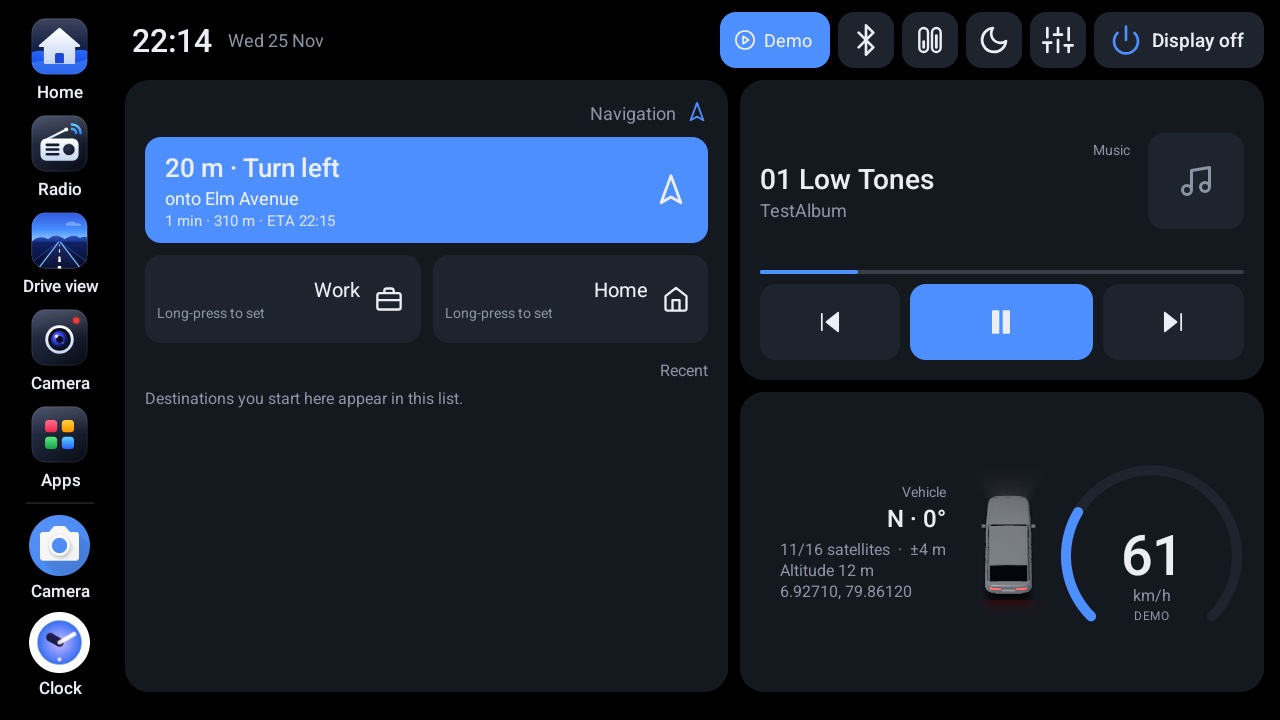
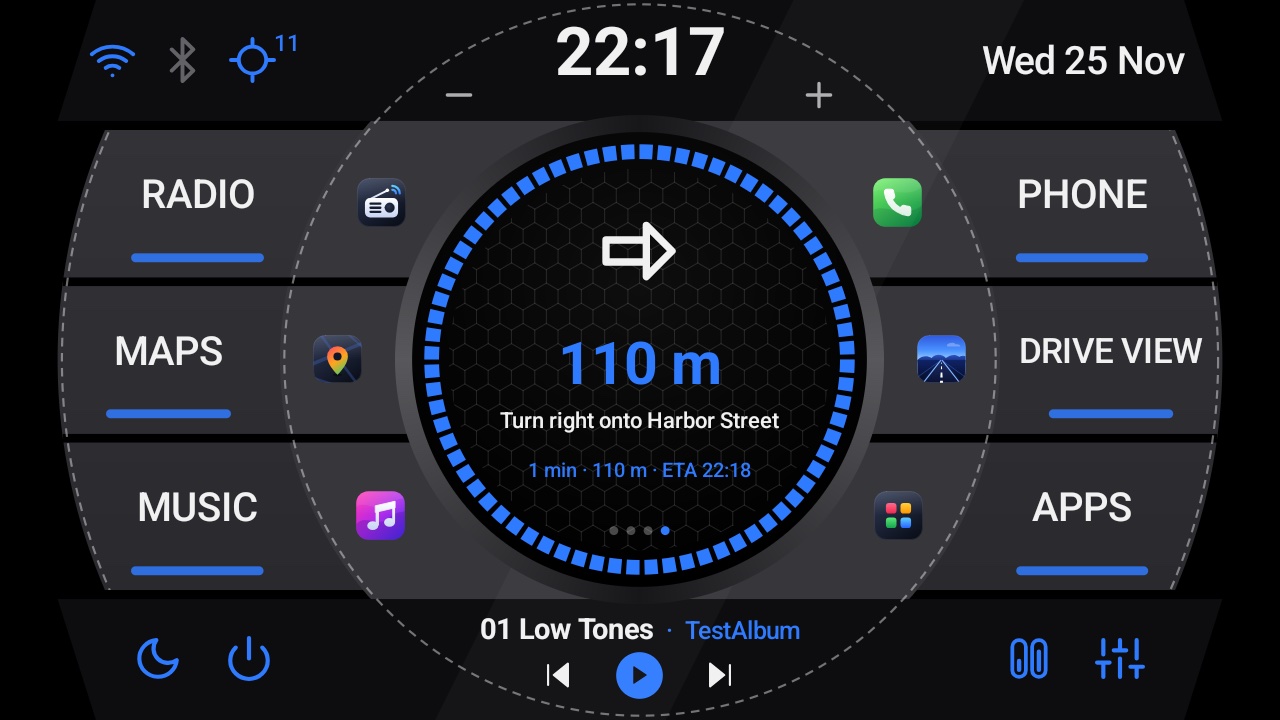
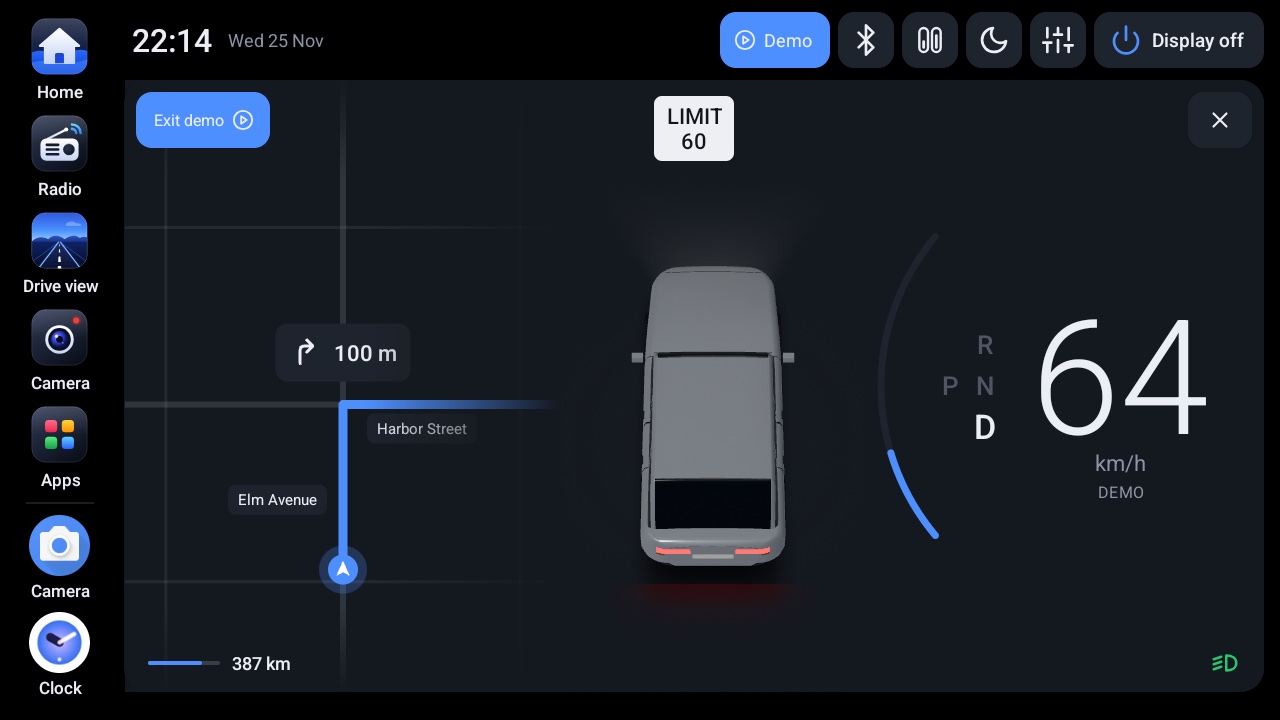
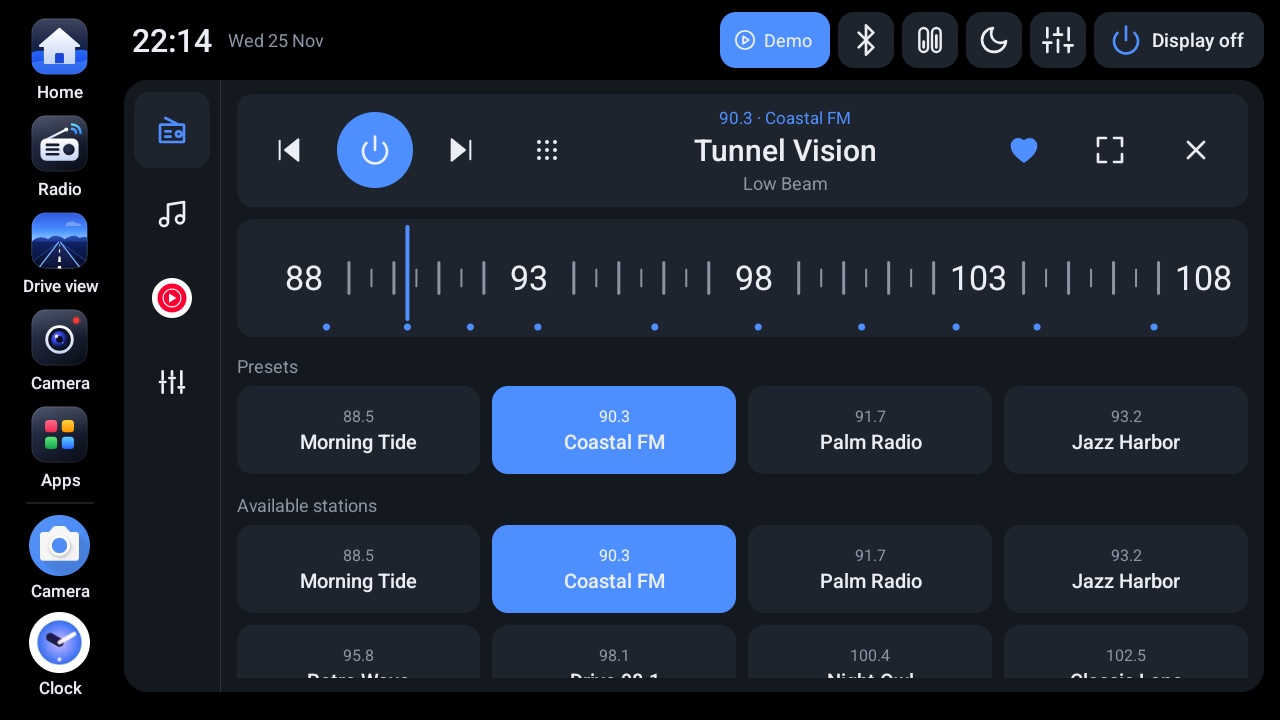
Everything sits where your hand already is. What the unit can't tell us, Feather Light doesn't pretend to know: no made-up gauges, no empty tiles.
One glance, one tap. Nothing hides behind a menu.
Large speed, the road ahead and your next turn. Speed comes from GPS or from the car, and the screen says which.
On units that allow it, Google Maps, Waze or another nav app runs inside a card next to your music, so you don't trade one for the other.
Bluetooth calls come up as a wide banner with big answer and decline buttons, over whatever app is open.
Teach the launcher what each wheel button does. If a button never reaches Android, a built-in report tells you why.
Home, back and your favourite apps stay one swipe away inside other apps, then tuck themselves away.
Make it yours in a minute, then leave it alone.
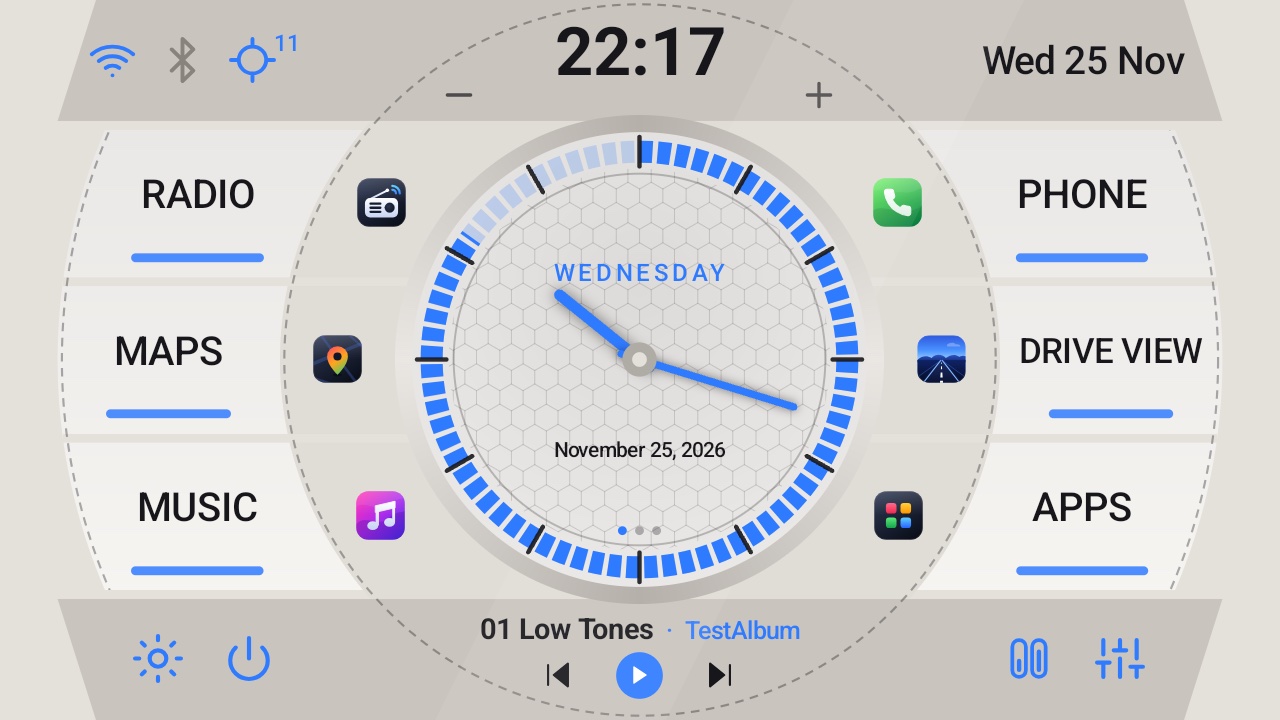
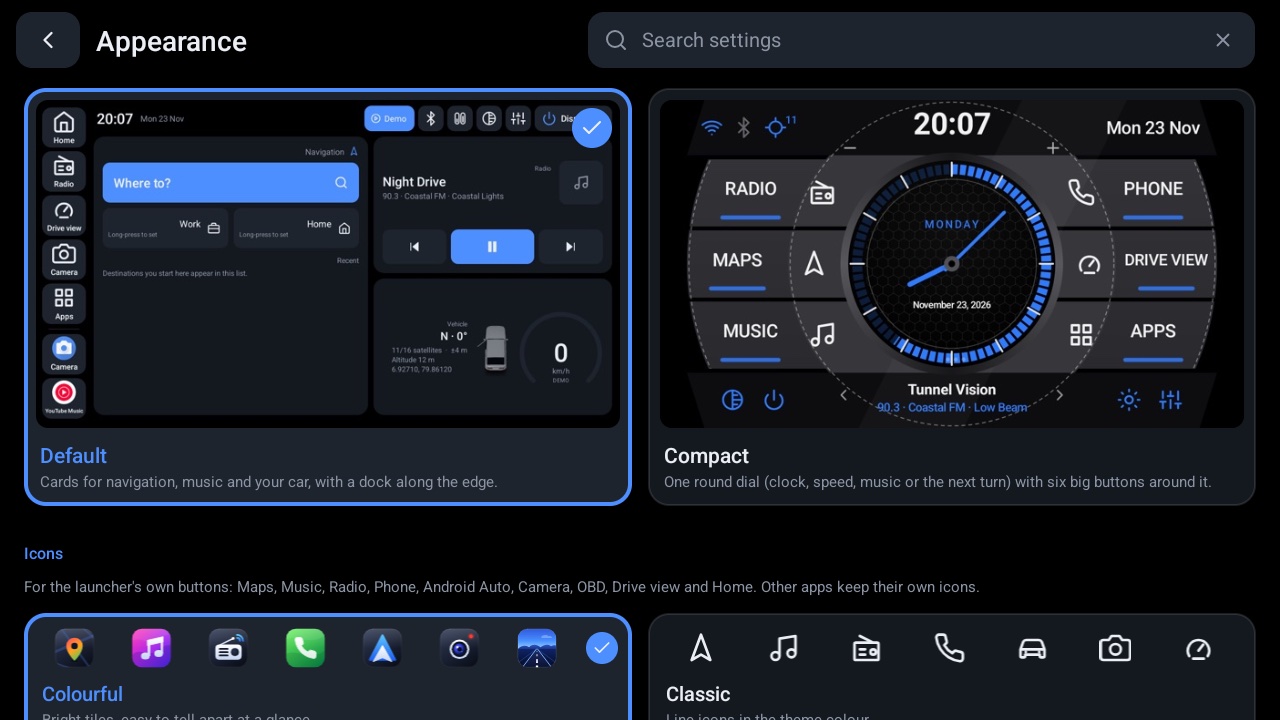
Cards and a dock, or a compact round dial with six big buttons. Switch any time in Appearance.
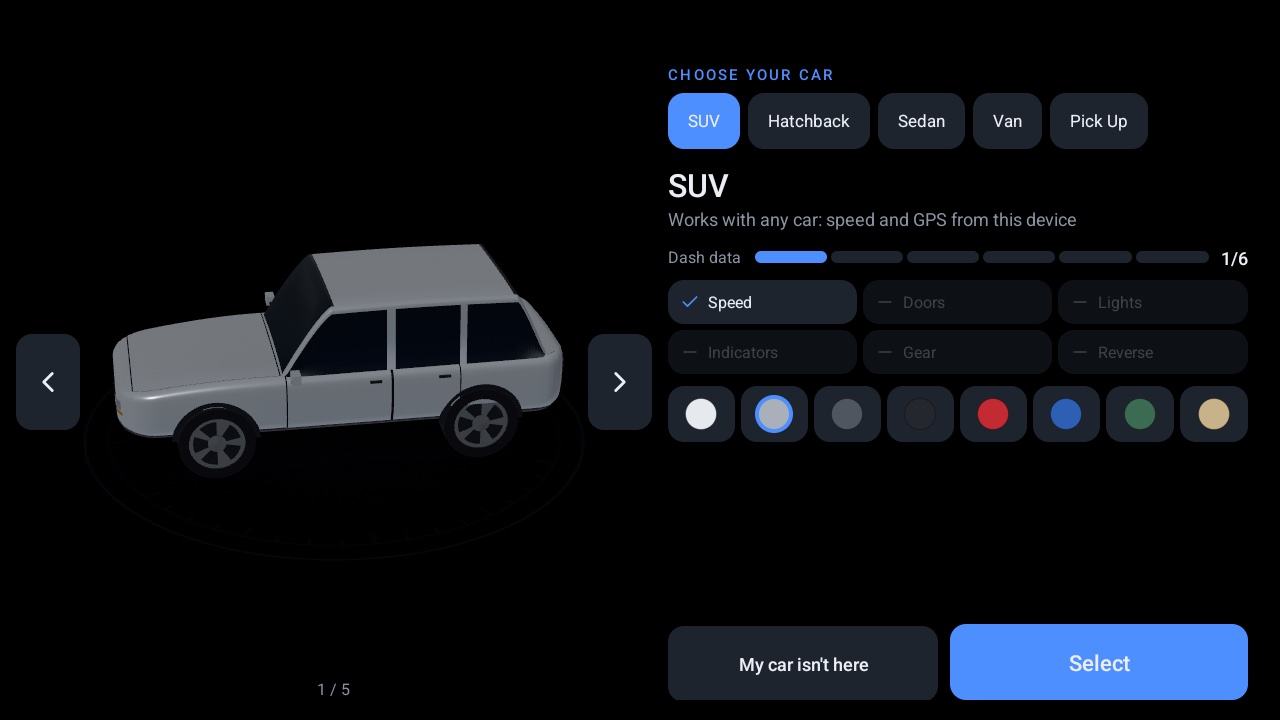
Pick the body type and paint, shown in 3D or 2D. On units that report it, open doors and lights show up on the car (beta).
The theme follows sunrise and sunset where you are, so the screen never glares at night.
Use any installed icon pack, or the launcher's own coloured icons.
The essentials ship with the launcher. Heavy work runs in its own process, so the home screen stays quick.
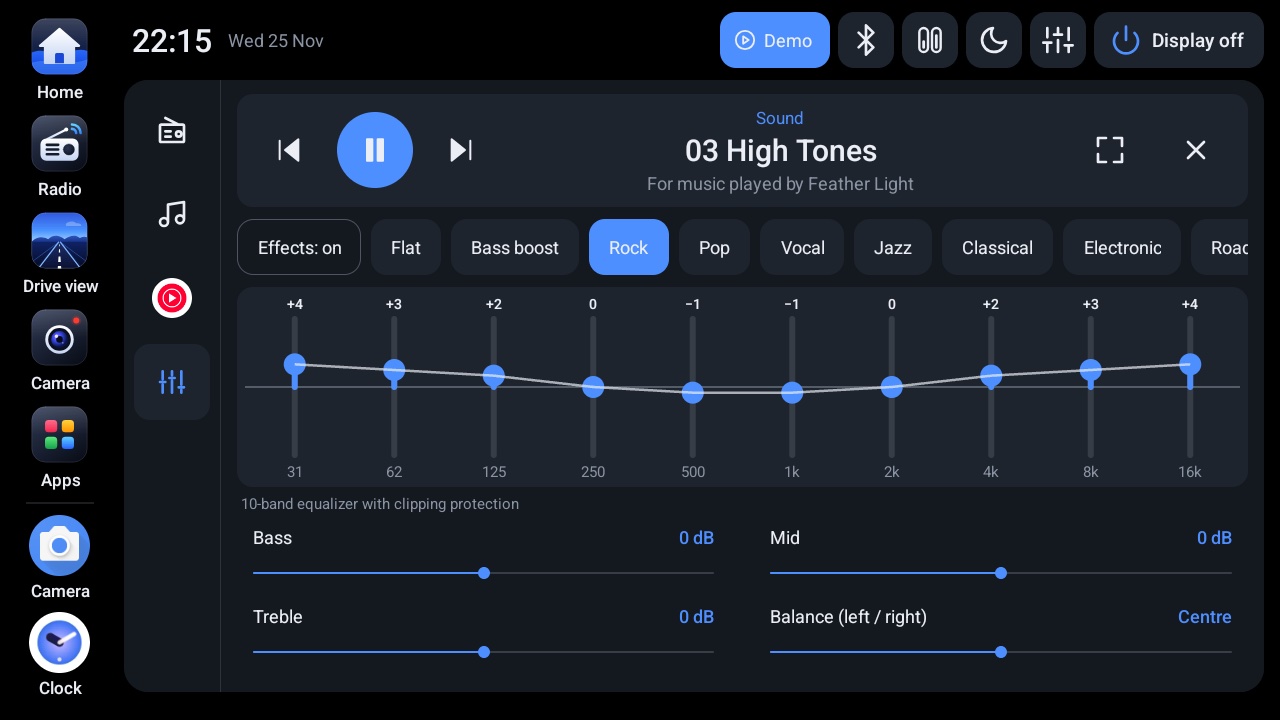
Gapless playback and an equaliser for the music on the USB stick or SD card in the glovebox.
Tune FM straight from the launcher on FYT and TopWay units (beta). On other units the radio screen works through your unit's own radio app, and you can send us that app from Settings so we can add yours.
Sign in and your setup is saved to your account, ready for the next unit or a factory reset.
Send a problem report with a screenshot straight from the head unit, so we see what you see.
Real screenshots from a 1280 by 720 head unit, taken in the launcher's demo mode so every card has something to show.
Every head unit gets a free trial the first time it signs in. After that, buy a license for that unit from your account. Changing units? Move the license across while it is still running.
Then press Home and choose Feather Light as the home app.
The welcome screens ask for the home style, your car and its colour.
Create your account on the unit. The free trial starts and your settings are saved.
Aftermarket head units have fast screens and slow software. Feather Light is our answer: a home screen that is quick, calm and honest about what your unit can do.
Feather Light has two home screens. Here is what each one is good at, and how to switch.
The radio is the hardest part of a head-unit launcher, because every maker wires the tuner differently. Here is where Feather Light stands, and how one report from your unit helps.